
When a tenant reports a repair through Fixflo AI reporting, Aidenn triages the problem before the issue is created. The issue then lands in Fixflo like any other reported issue, but with Aidenn's full triage report attached, so you can action it without going back to the tenant for more detail.
Where to find the new issue
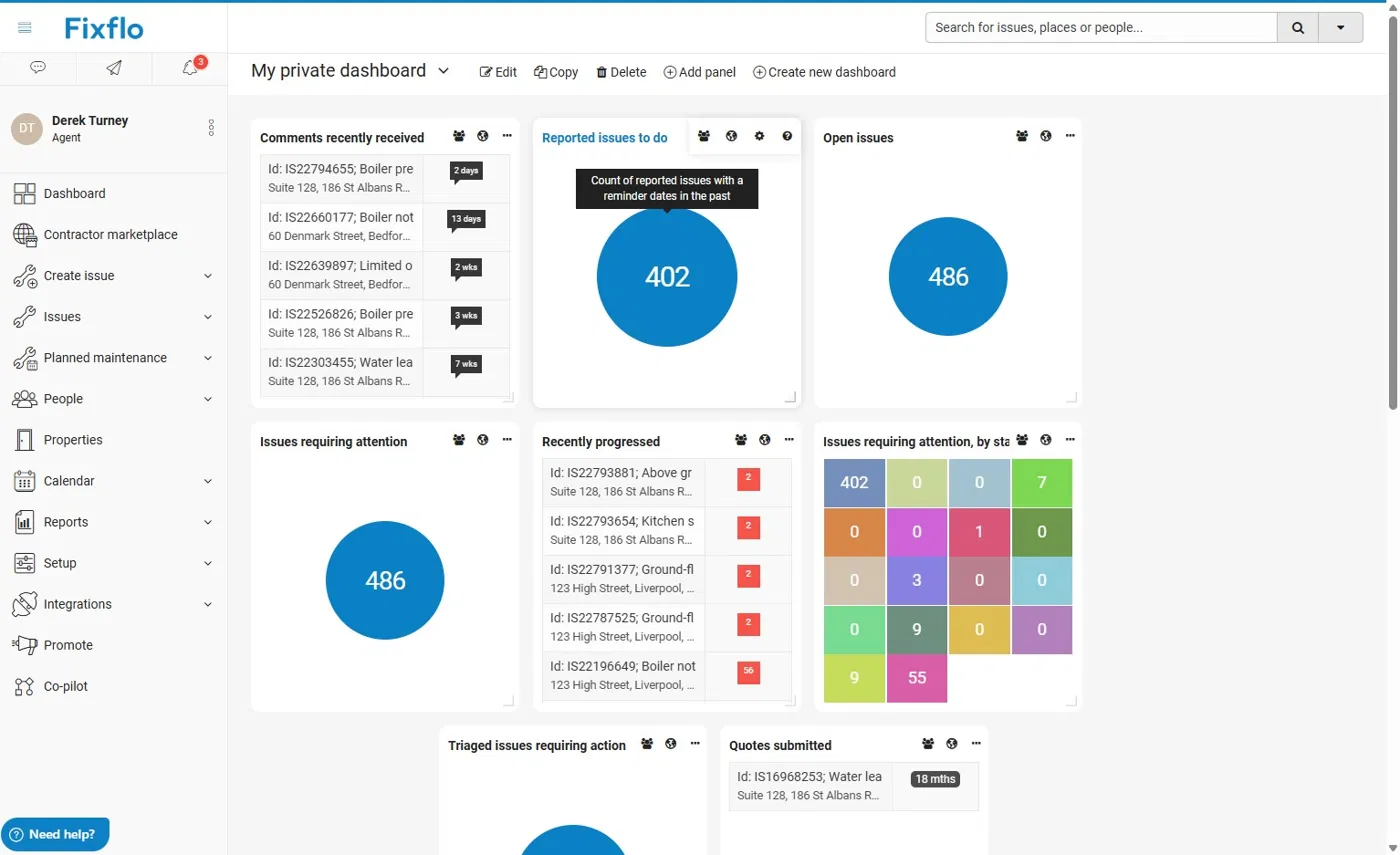
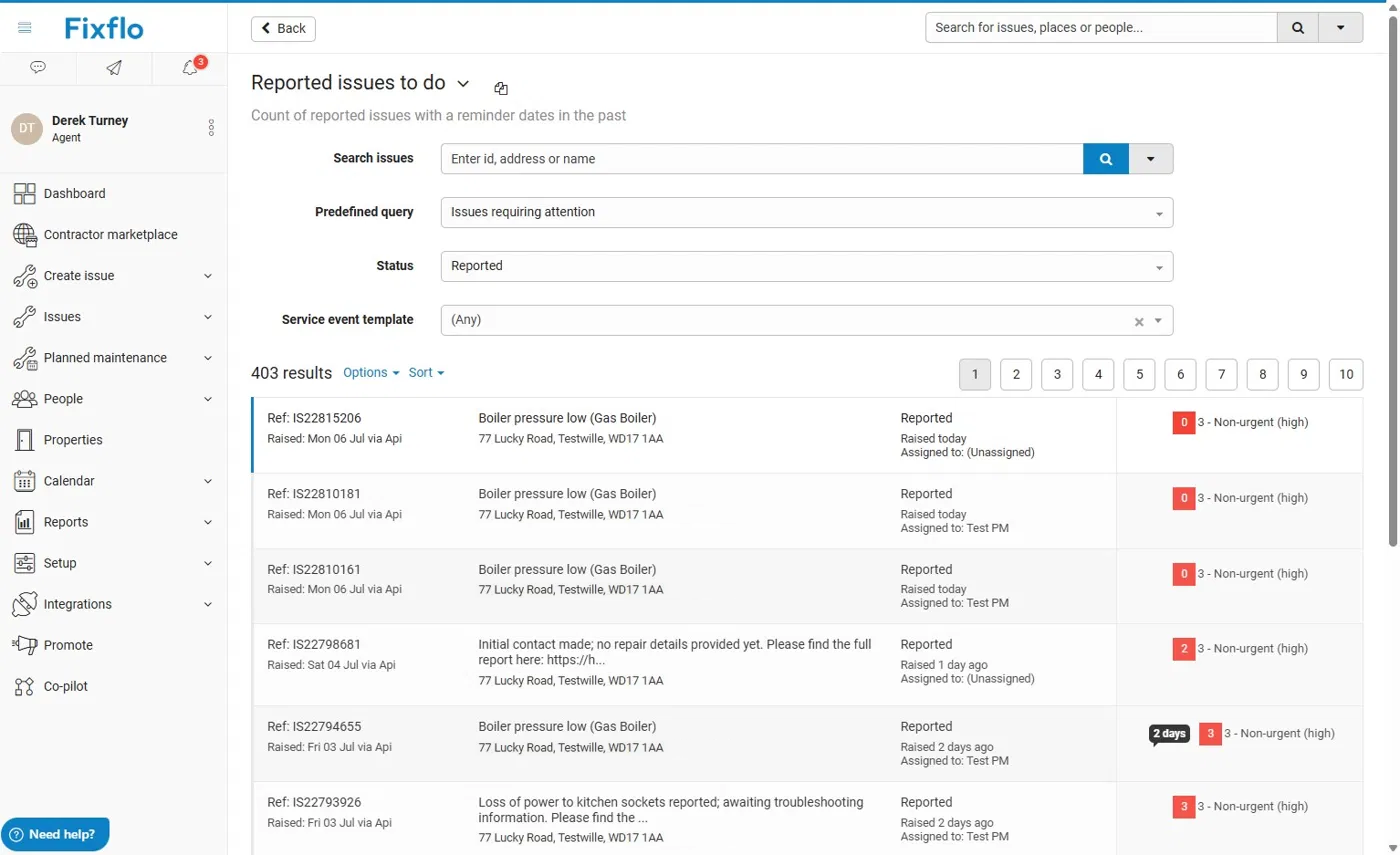
The new issue appears in your Reported issues to do list.
The Detail tab
The Detail tab holds information about the issue, just as it would if the tenant had reported it directly.
You can tell the issue came through AI reporting because it shows as raised via API by System user.
The AI triage report
The Fault detail section shows a summary of the report and a link to Aidenn's full AI triage report. The full report includes:
- Confirmation of the work needed
- The full troubleshooting steps taken
- Suggested parts
- A link to the chat with the tenant
Photos from the chat
Any images the tenant uploaded during the chat appear in the Media section of the issue.
Instructing works
You can instruct works or request quotations as normal from the Next steps tab. All of the AI detail is included in the request to the contractor.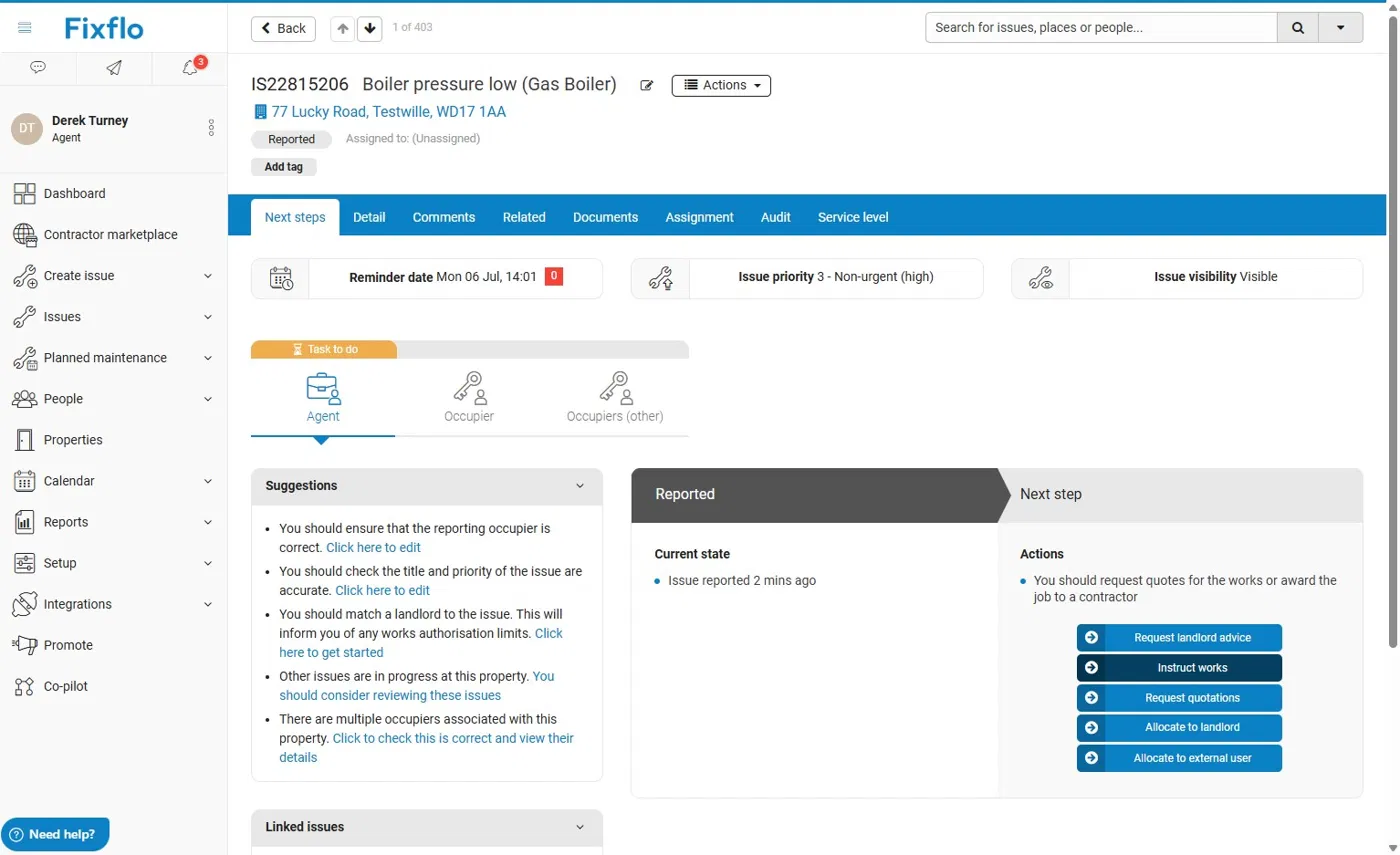
Emergencies and Novex
If you use Novex for emergency issues following a Help me Fix triage, your Novex Co-pilot rule needs updating for AI reporting. Go to Fixflo AI reporting - Updating Co-pilot if you're an existing Aidenn client.
Related articles
Was this article helpful?
That’s Great!
Thank you for your feedback
Sorry! We couldn't be helpful
Thank you for your feedback
Feedback sent
We appreciate your effort and will try to fix the article