

As a RMC or RTM Director, you will be able to share comments with all other directors linked to your building, along with your Managing Agent/Block Property Manager. This makes it much easier for everyone to stay informed, exchange ideas, and collaborate on addressing any maintenance concerns. It helps ensure that nothing is missed and that all voices are heard, allowing decisions to be made confidently.
How can this be done?
In order to do this, please navigate to the comments tab of the issue of choice >
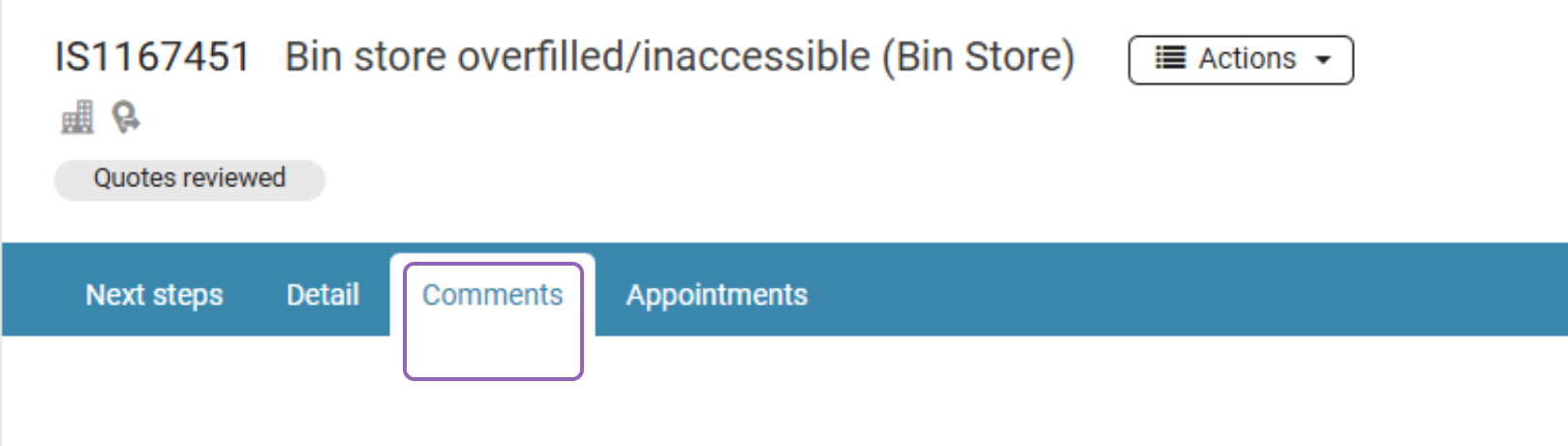
Select 'Send to' >
You will be able to communicate with all other directors linked to the building.


This is a highly effective form of communication. Any comments you send to your agent and all other directors will come through as an email notification.
Please note that your Block Property Manager will have the ability to check the issue’s 'Audit’ file, and review when the comment was sent, and if the receiver opened it.
Please note, Directors are not able to send comments to a single selected director. The only available option is to send comments to the agent and all other directors linked to the building.
Was this article helpful?
That’s Great!
Thank you for your feedback
Sorry! We couldn't be helpful
Thank you for your feedback
Feedback sent
We appreciate your effort and will try to fix the article