

What is Aidenn Inspect?
Aidenn Inspect is a mobile inspection app designed to work seamlessly alongside Fixflo. This allows Property Managers to carry out professional property inspections on-site and send the results directly back into Fixflo.
Aidenn Inspect is designed for mid term tenancy inspections, block and building inspections.
The Aidenn Inspect app will help you capture images, notes, and inspection findings quickly, with AI-supported descriptions and recommendations where relevant.
Device Compatibility
The Aidenn apps are built using the Flutter framework and are available on both iOS and Android.
Android: API levels 24 to 36
iOS: Versions 13 to 26 (correct as of August 2026).
To ensure the best experience, we recommend keeping your device and operating system up to date. Older devices or operating systems may still work but could have reduced performance.
Access and Setup
To use Aidenn Inspect, your agency must have purchased the relevant product and have the feature enabled by the Fixflo team.
If you do not yet have Aidenn Inspect, you may find further details on our main page.
The app can be downloaded from the Apple App Store or Google Play Store.
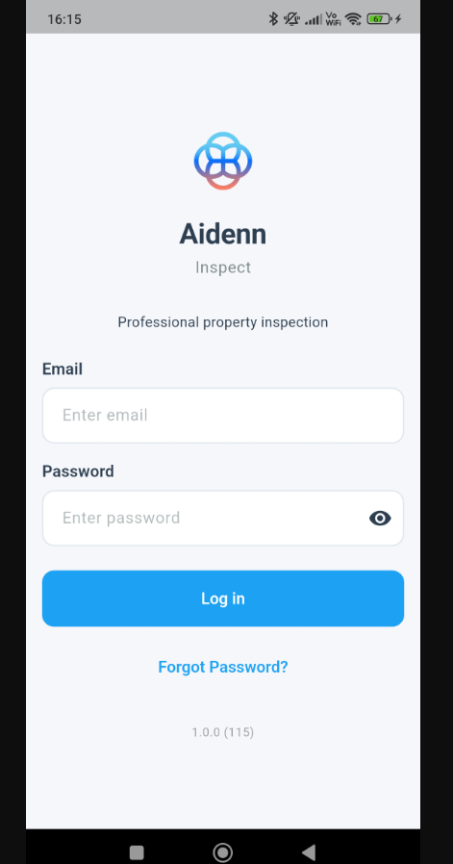
You log in using your existing Fixflo Agent credentials – no separate account is required.
Getting Started: Choosing a Property
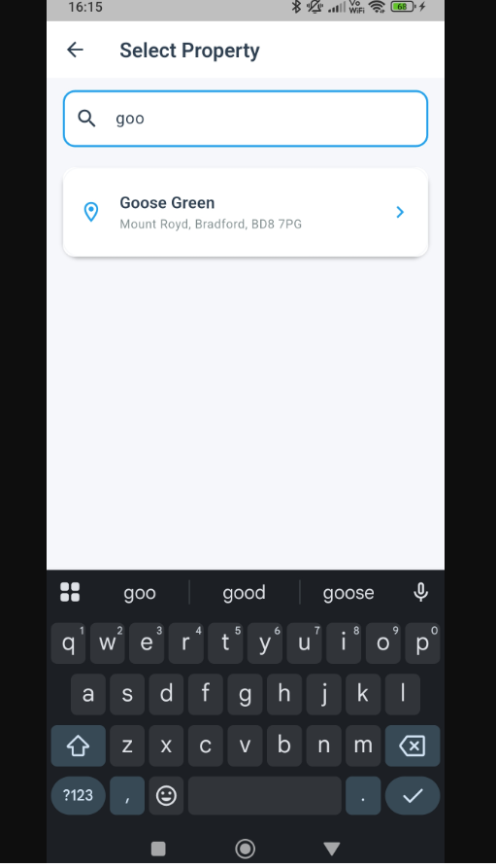
Once logged in, you can search for and select properties directly from Fixflo. You will only see properties you already have access to, and the property must already exist in Fixflo before you can start an inspection.
Carrying Out an Inspection
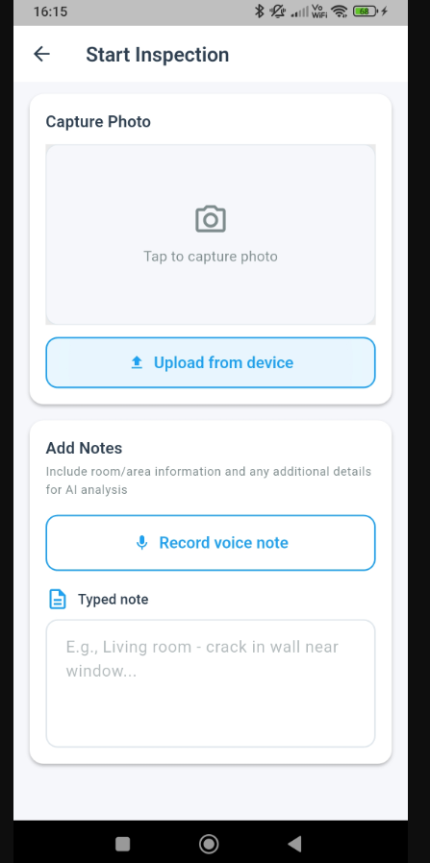
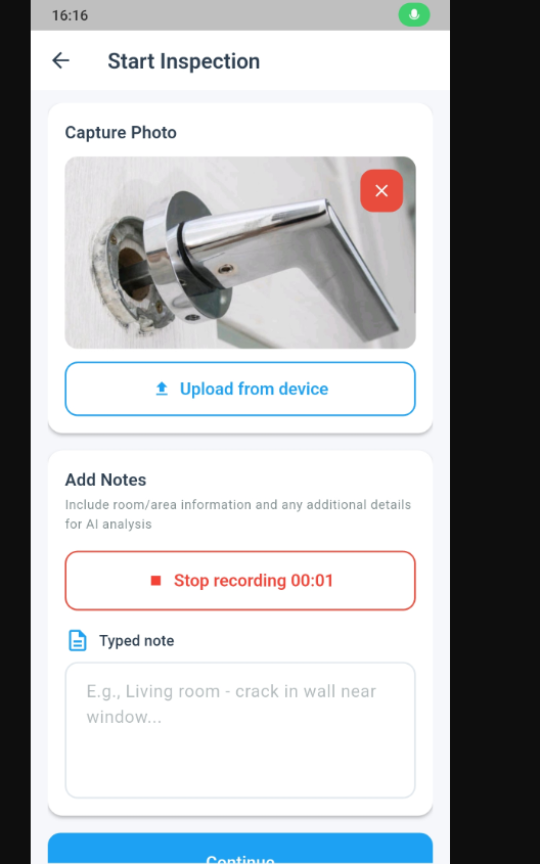
During an inspection, you can take photos, upload images from your camera roll, and add typed or voice notes as you move through the property.
You do not need to fully describe what is visible in the image, but you may wish to add helpful context such as location or additional observations.
AI-Assisted Insights
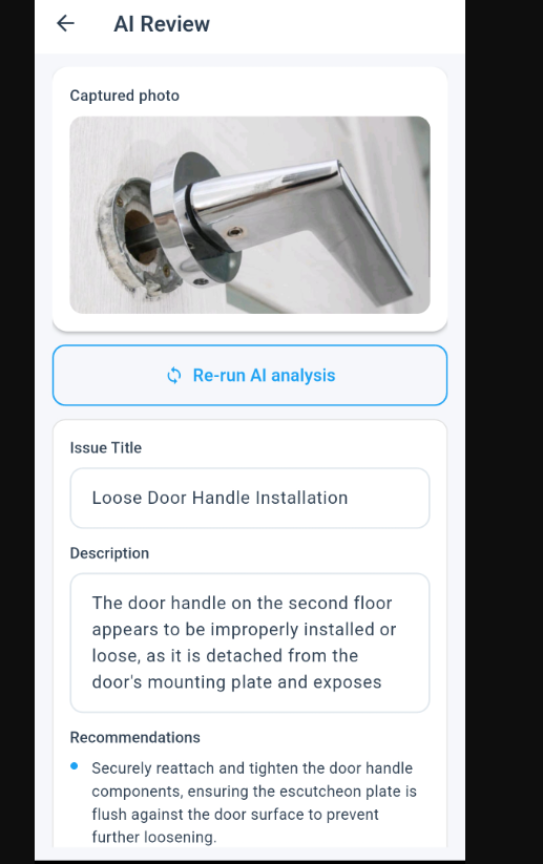
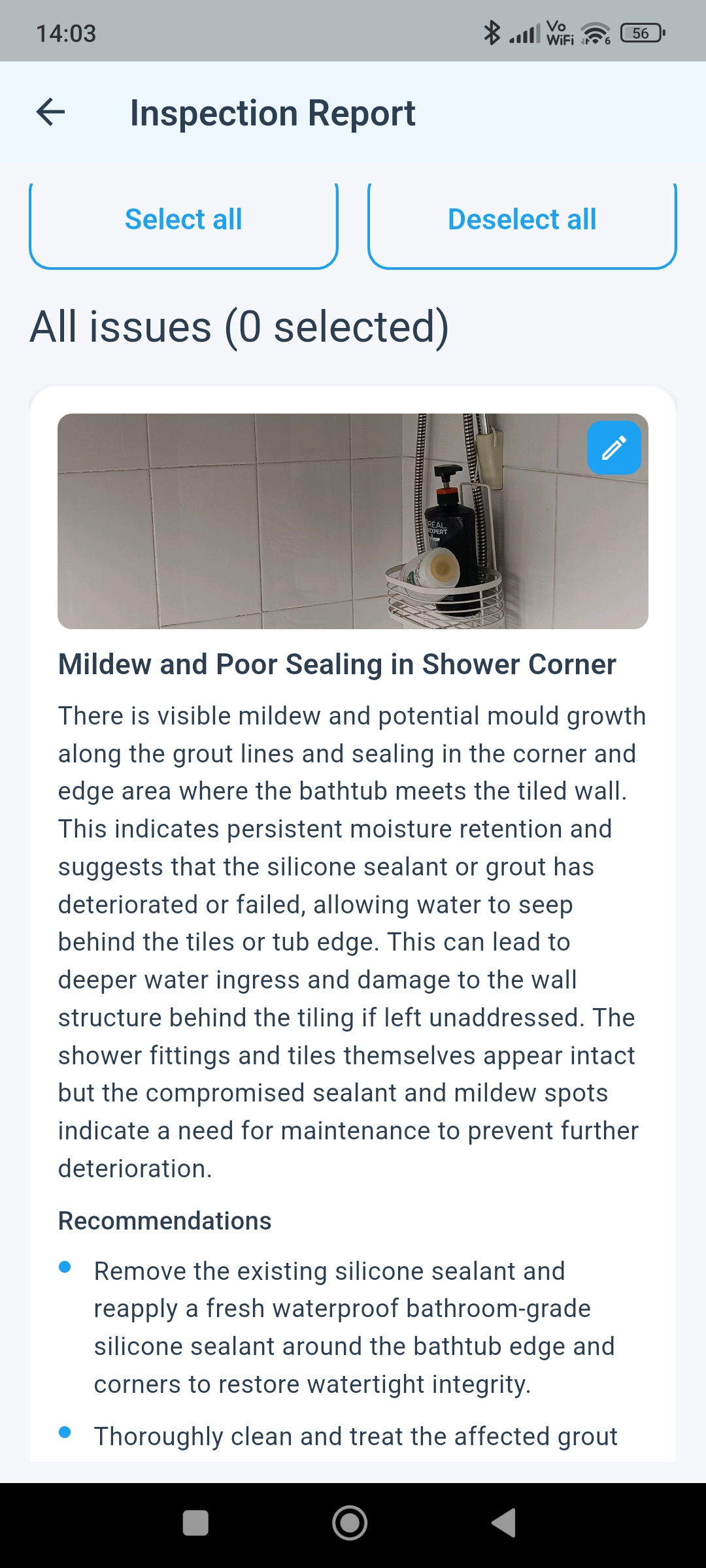
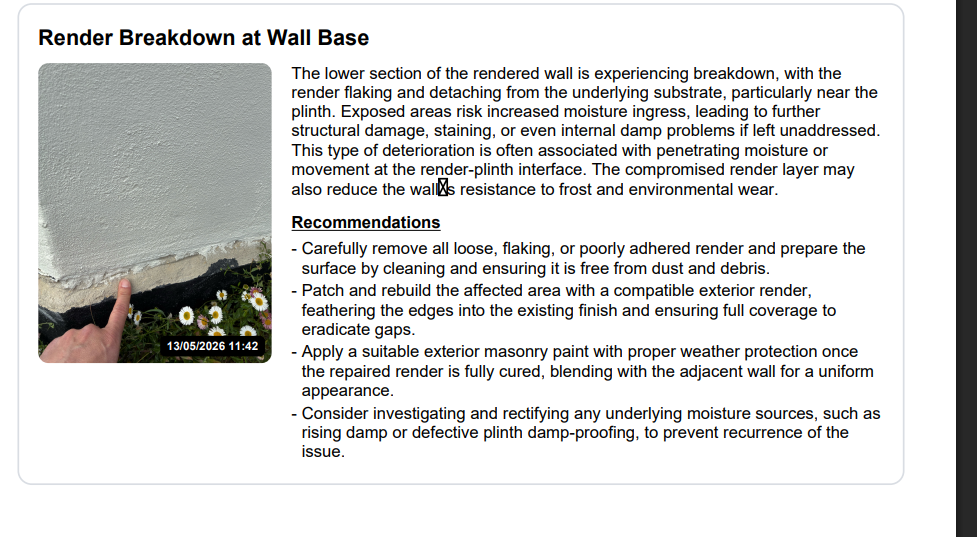
For each image, the AI suggests a clear title and description, highlights visible issues, and provides recommendations if repair or maintenance may be required.
Raising Issues in Fixflo
After completing an inspection, you can send selected items directly to Fixflo as issues and optionally mark them as high priority.
High priority issues map to Urgent (Priority 1) in Fixflo, not Emergency (Priority 0).
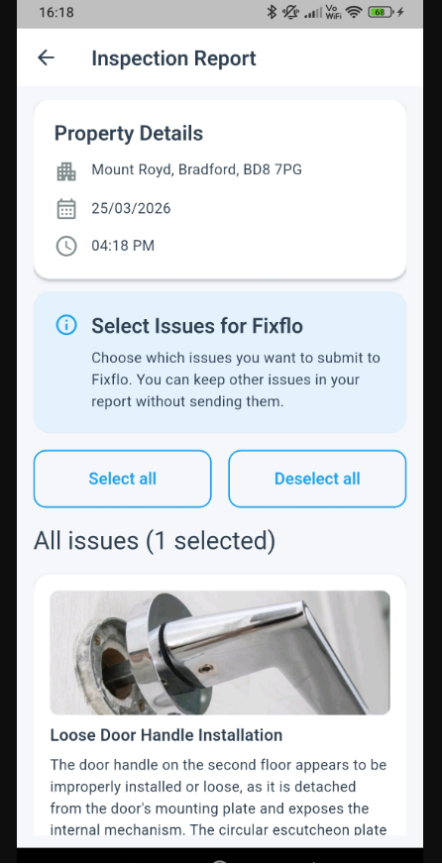
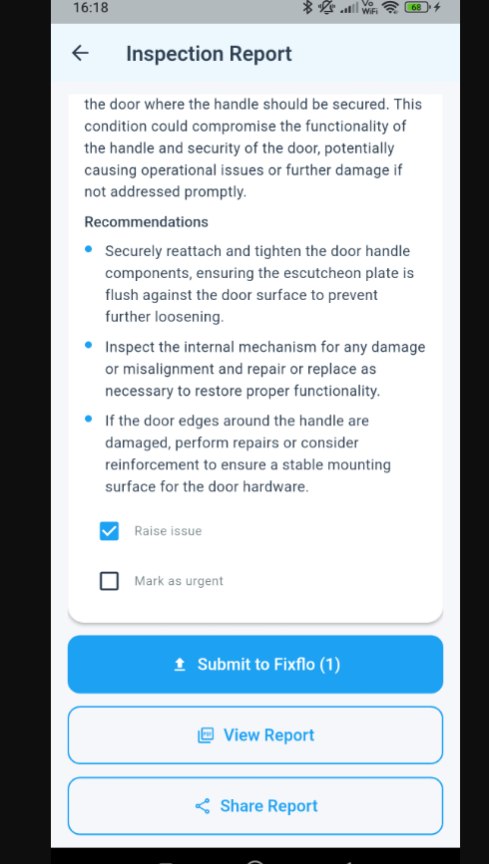
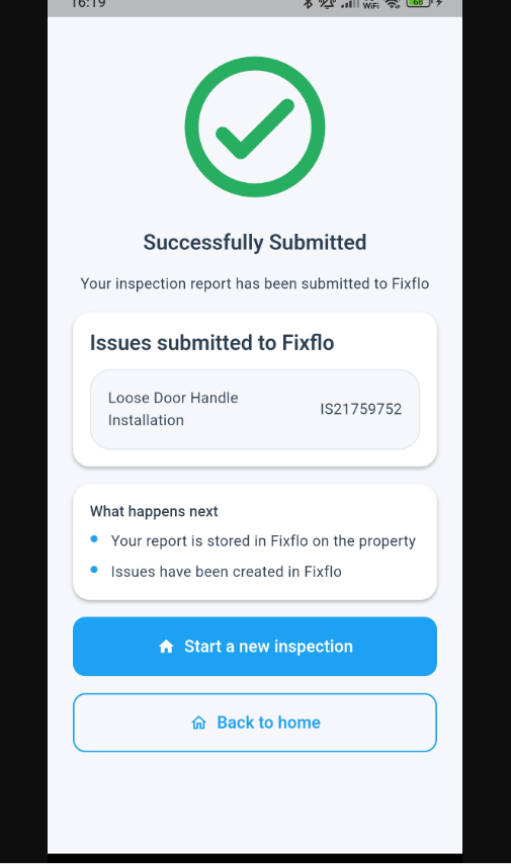
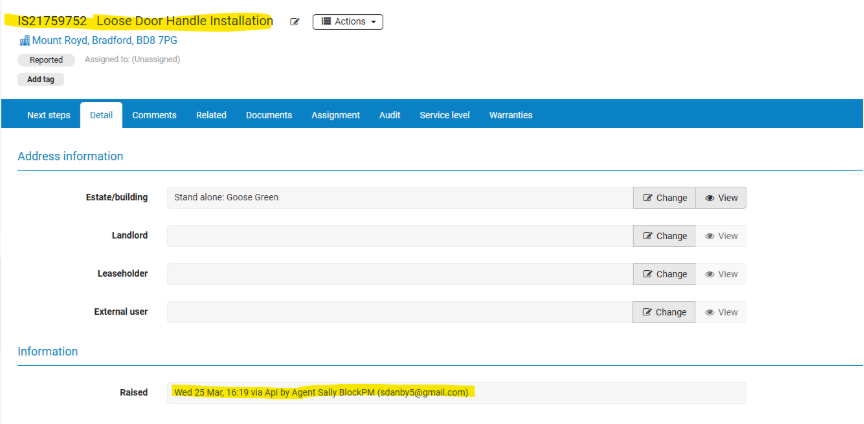
Issues raised appear in Fixflo in the same way as those logged manually and are clearly marked as raised via API, including the name of the Property Manager.
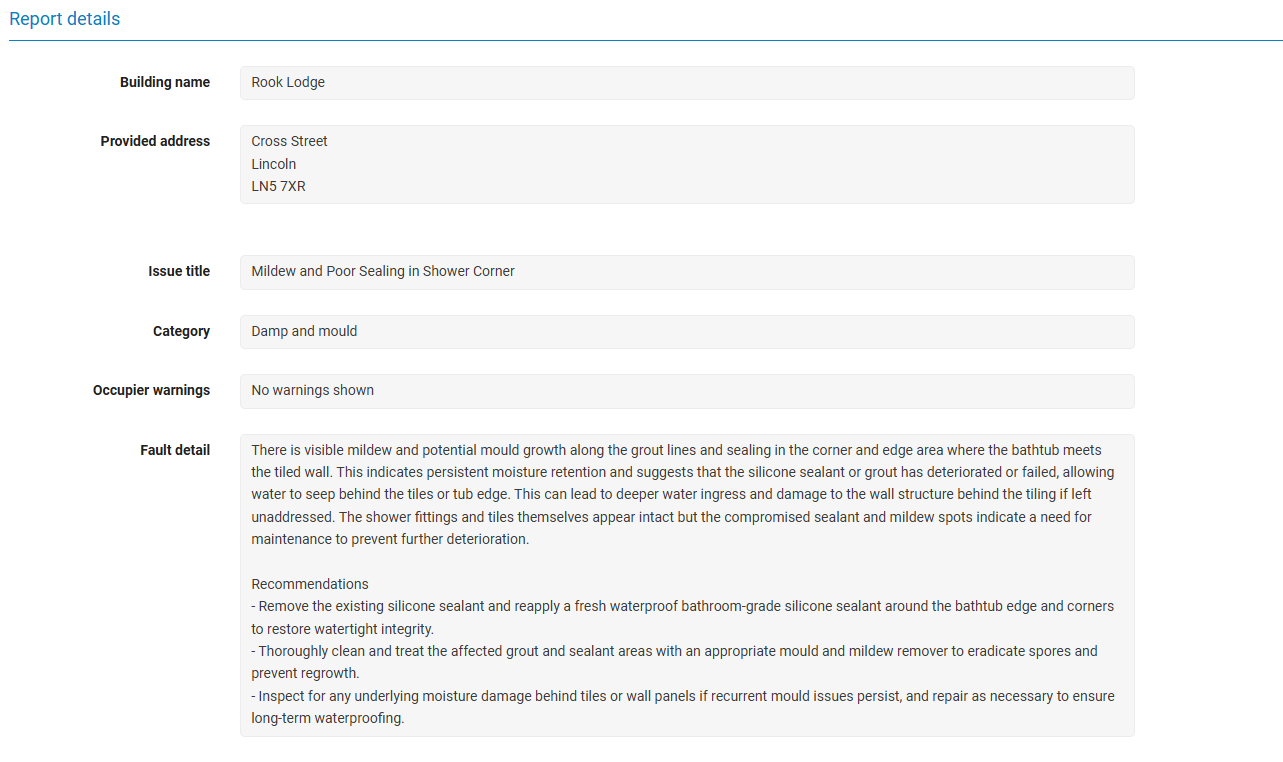
The Title, Category, and Fault detail have been populated with the AI
Inspection Report
Everything captured during the Inspection is then shown in a pdf format report, which shows the details of when/where/who did the inspection and each image and the narrative + any recommendations.
This is downloadable within the app, and there is also a simple share link to forward the report directly on to an email or WhatsApp etc.
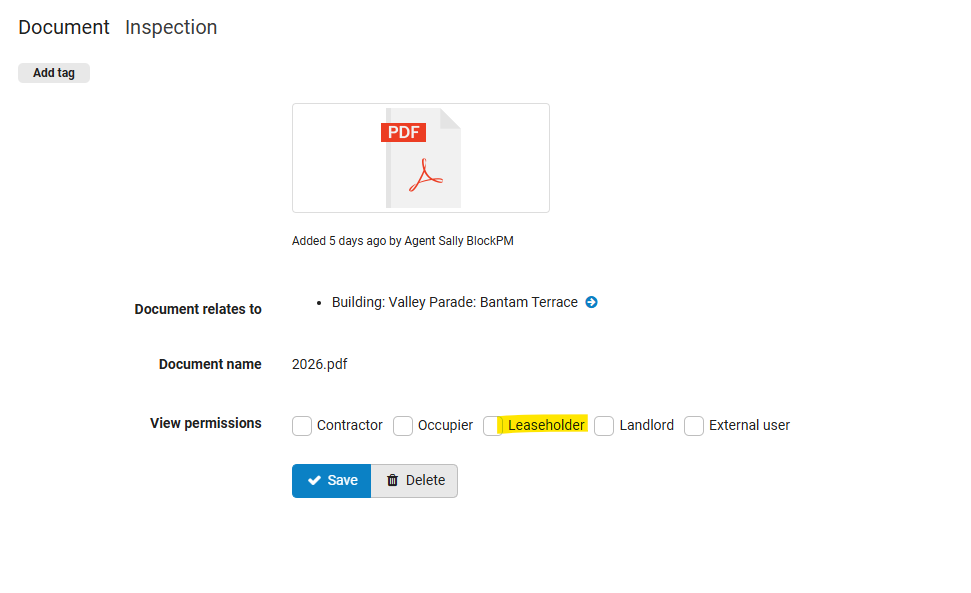
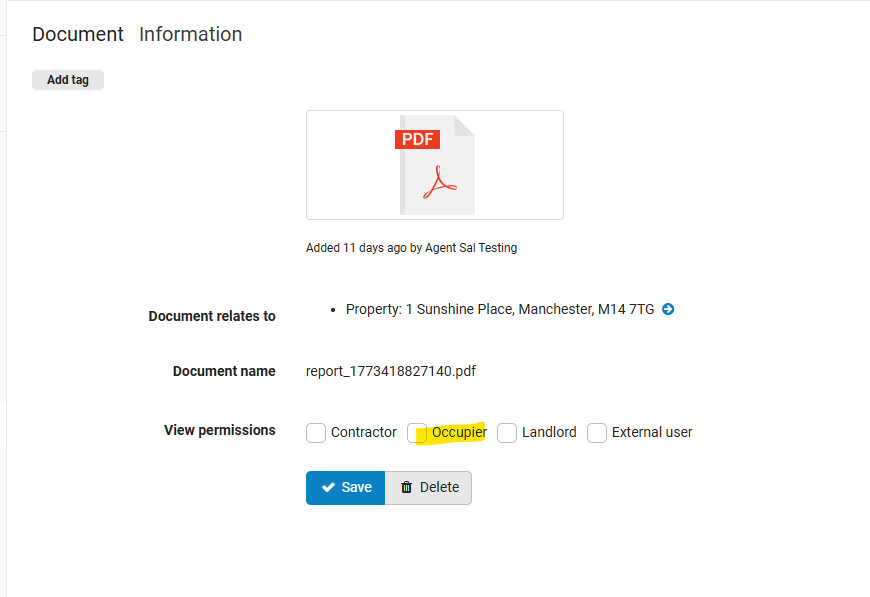
The inspection is sent to Fixflo, and stored as a document type Inspection against the property, with the type of Inspection chosen and the date included in the filename.
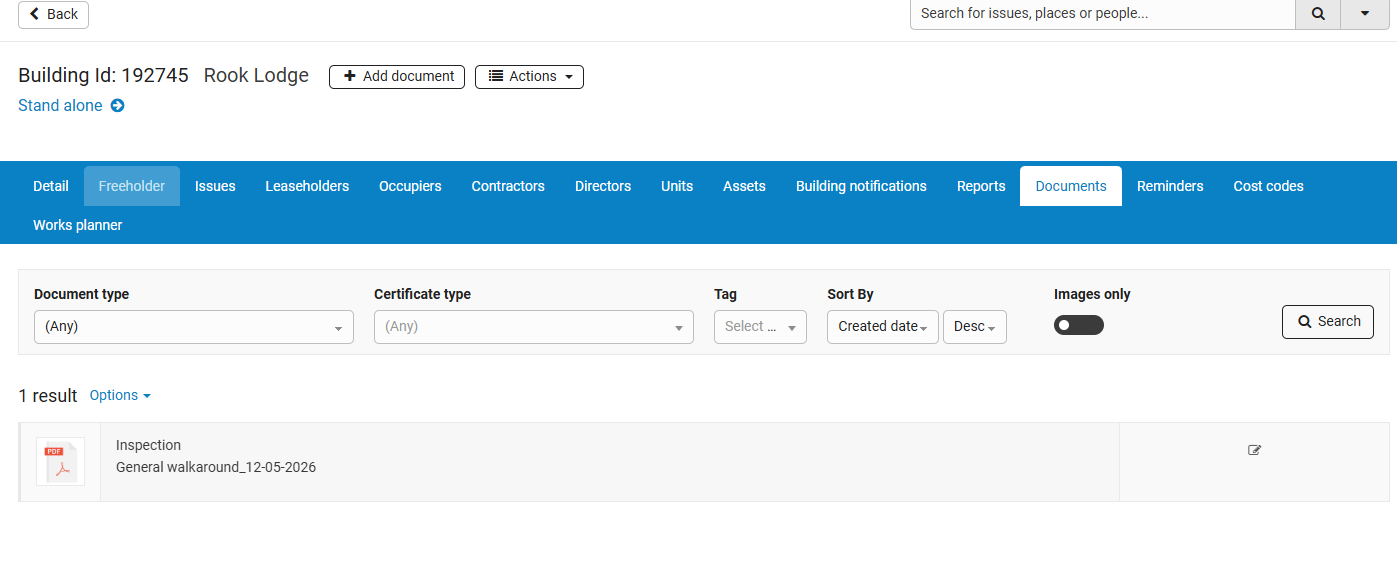
By default this type of inspection is visible to agents only. Users can edit this in Fixflo to make it available to Leaseholders or Occupiers/Landlords.
Branding
If there is a logo stored in Fixflo for the agency, it will appear on the report.
Users logged into the app when a logo is added or updated will only see the change when they next log in.
Images in reports now also have a time and date stamp
More about the AI Analysis.
We are using AI for two things in Aidenn Inspect
- To dramatically cut down the time it takes for the PM when they undertake an inspection, by allowing them to simply take a photo, our AI writes the narrative.
- To categorise issues sent to Fixflo, so that they are raised in the right category and ready to be picked up, or to use the existing Co-Pilot settings for Automation.
Need Help?
If you experience any issues accessing or using Aidenn Inspect please contact your Fixflo support team.
If you would like further information on Aidenn Inspect, please visit our website:
Aidenn AI Inspections
Was this article helpful?
That’s Great!
Thank you for your feedback
Sorry! We couldn't be helpful
Thank you for your feedback
Feedback sent
We appreciate your effort and will try to fix the article